The Review Reality
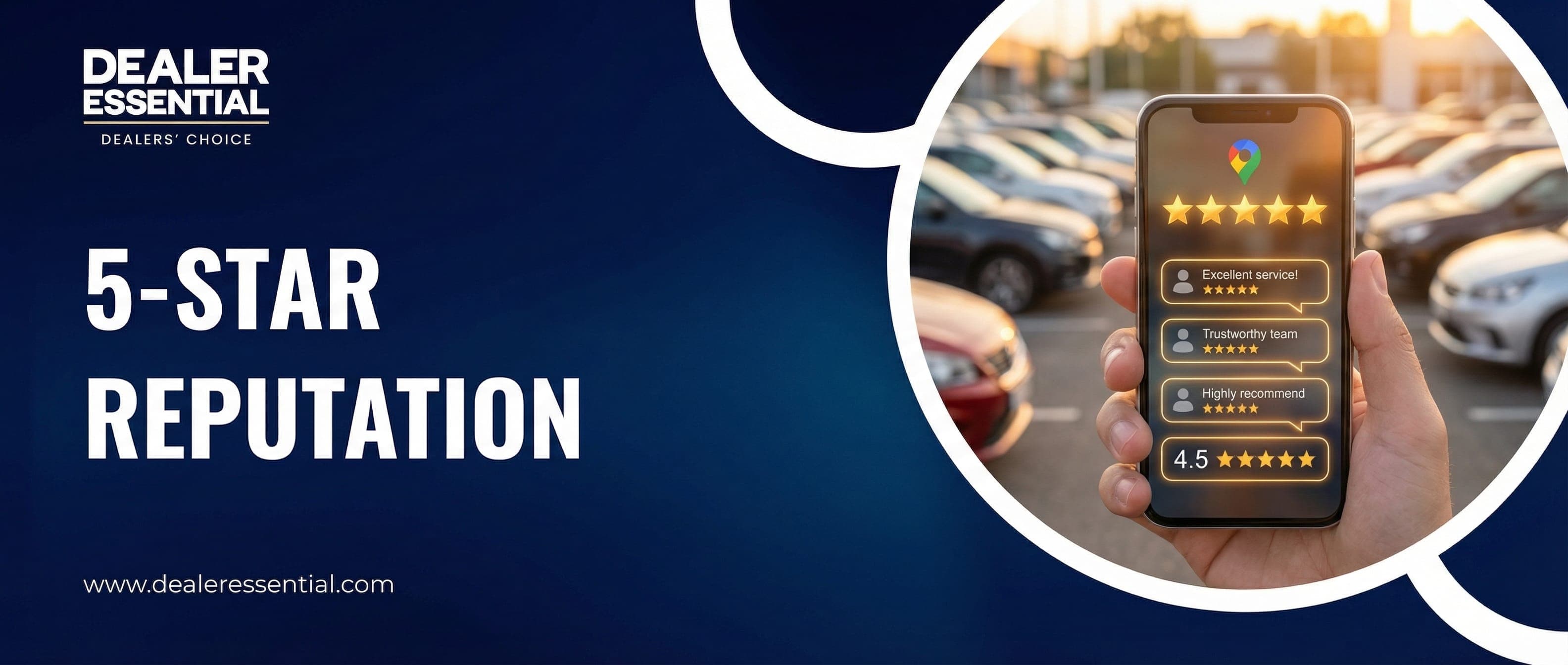
A dealership with a 4.5-star rating gets 270% more clicks than one with 3.5 stars. Every 1-star drop in your rating costs you roughly 5-9% of revenue. Your online reputation isn't vanity—it's survival.
Picture this: A customer is ready to buy a car. They Google "used cars near me." Your dealership pops up with a 3.8-star rating. The dealer down the street has 4.7 stars. Which lot do they visit first?
You already know the answer. And here's the painful part: that 3.8 rating might not even reflect reality. Maybe you had one angry customer who left three fake reviews from different accounts. Maybe your happy customers just never think to leave reviews. Either way, you're losing deals before customers ever meet you.
Your Google rating is your new front door. It's the first thing potential customers see. And unlike your actual front door, you can't just put on a fresh coat of paint to fix it. You need a strategy.
The Numbers: Why Reviews Are Life or Death
Let's talk about what your Google rating actually costs you:
93%
Read reviews before visiting
270%
More clicks for 4.5 vs 3.5 stars
52%
Won't consider under 4 stars
$15K
Revenue lost per negative review
That last number isn't made up. Harvard Business School research found that a one-star increase in Yelp rating leads to a 5-9% increase in revenue. For a dealer selling 15 cars a month at $3,000 profit each, that's $27,000-$48,000 annually—from just one star.
The Asymmetry Problem
What Customers Actually Look At
When someone checks your Google profile, they're evaluating:
- Star rating (the first filter—below 4.0 and many won't click)
- Number of reviews (50+ reviews = established, under 20 = "are they new?")
- Recent reviews (no reviews in 3 months = "are they still open?")
- Your responses to negative reviews (how you handle problems)
- The stories in reviews (specific experiences, not just "great place!")
A dealership with 4.3 stars and 200 reviews often outperforms one with 4.8 stars and 12 reviews. Volume and recency matter as much as rating.
How to Get More 5-Star Reviews (Without Being Pushy)
The secret to more reviews isn't complicated: ask at the right time, make it easy, and give people a reason to care.
Strategy 1: The "Hot Moment" Ask
The best time to ask for a review is when positive emotions are highest. For car dealers, that's typically:
- Right after they drive off in their new car (peak excitement)
- After a successful trade-in where they felt treated fairly
- Following a quick, painless F&I process
- When you've solved a problem or gone above and beyond
"Congratulations on the new ride! If you had a great experience today, would you mind leaving us a quick Google review? It really helps other people find us, and it only takes 30 seconds."
— Recommended ask script
The 30-Second Rule
Strategy 2: Make It Stupidly Easy
Every click you eliminate doubles your review rate. Set up:
- A direct link to your Google review page (not your profile—the review form)
- A QR code on your desk, in the customer lounge, and on your business card
- An automatic text with the review link sent 1-2 hours after purchase
- The link in your email signature
To get your direct review link: Search your dealership on Google → Click "Write a review" → Copy that URL. That's the link you share everywhere.
Strategy 3: The Follow-Up Sequence
Don't rely on a single ask. Here's a proven sequence:
- Day 0 (at delivery): Verbal ask + hand them a card with QR code
- Day 1: Text message: "How's the new car? If you have 30 seconds, we'd love a Google review: [link]"
- Day 7: Email check-in with review link in P.S.
- Day 30: "One month with your new car! Still loving it? Share your experience: [link]"
Spaced follow-ups feel helpful, not pushy. And catching someone at the right moment (maybe they just showed off the car to friends) can turn a non-reviewer into a reviewer.
Strategy 4: Make Reviews Part of Your Culture
Track reviews as a team metric. Some dealers:
- Display current Google rating on a screen in the showroom
- Give a small bonus ($20-50) for named 5-star reviews
- Celebrate new reviews in team meetings
- Make it a friendly competition between salespeople
"Once we started tracking reviews by salesperson and adding a small bonus, our review volume tripled in two months. It just became part of how we close deals."
— Independent dealer, Arizona (16 cars)
Automate Your Review Requests
Our CRM automatically sends review request texts after every sale—perfectly timed, with one-click links. More reviews, zero extra work.
How to Respond to Negative Reviews (Without Making It Worse)
Bad reviews happen. Even the best dealers get them. What matters is how you respond—because potential customers are watching.
The 4-Part Response Framework
- Acknowledge: "Thank you for sharing your experience" (validates them)
- Apologize: "We're sorry to hear this wasn't up to our standards" (shows accountability)
- Address: Briefly explain what happened or what you're doing to fix it
- Advance: "Please contact [name] at [number] so we can make this right"
Good vs. Bad Review Responses
| Bad Response | Good Response |
|---|---|
| "This isn't true. You're lying." | "We're sorry your experience didn't meet expectations." |
| No response at all | Response within 24-48 hours |
| Defensive, argumentative tone | Calm, professional, solution-focused |
| Airing dirty laundry publicly | "Let's discuss this offline at..." |
| Generic copy-paste response | Personalized, references their specific issue |
Response Examples That Work
Here's a template you can adapt:
"Hi [Name], thank you for taking the time to share your feedback. We're sorry to hear that your experience with [specific issue] wasn't what you expected, and we take this seriously. We'd love the opportunity to make this right. Please reach out to [Name] at [phone/email] at your convenience. We hope to hear from you soon."
— Template for negative review response
The Audience Isn't the Reviewer
When NOT to Respond
Some reviews are better left alone or handled differently:
- Obvious spam or fake reviews: Flag for removal instead of responding
- Reviews from people who never bought from you: Flag as "not a customer"
- Highly inflammatory language: A calm response may just invite more attacks
- Legal disputes: "We're unable to comment on ongoing legal matters"
Turning Negative Reviews into Opportunities
Here's a secret: a well-handled negative review can be more powerful than a 5-star review.
When potential customers see a negative review followed by a thoughtful response, and then a follow-up from the original reviewer saying "they fixed the problem and I'm happy now"—that tells a story no 5-star review can tell.
The Recovery Process
- Respond publicly (using the framework above)
- Reach out privately to actually solve the problem
- Once resolved, gently ask: "Would you consider updating your review?"
- Even if they don't update, you've shown future customers you care
"We had a customer leave a 1-star review about a tire issue. We replaced all four tires for free. She updated to 5 stars and has since referred three friends. That "disaster" became our best marketing."
— Independent dealer, Texas (22 cars)
Handling Fake and Unfair Reviews
Sometimes you'll get reviews from people who never bought from you, competitors trying to sabotage you, or customers with completely fabricated complaints. Here's what you can do:
Flag for Removal
Google will remove reviews that violate their policies:
- Spam and fake content
- Off-topic reviews (not about your business)
- Restricted content (illegal activity, hate speech)
- Conflict of interest (competitors, former employees with axes to grind)
- Reviews from people who weren't customers
To flag: Find the review on Google → Click the three dots → "Flag as inappropriate." Provide as much detail as possible. It may take days or weeks, and Google doesn't always remove flagged reviews, but it's worth trying.
Bury with Volume
If you can't remove a bad review, bury it with good ones. A single 1-star review among 100 reviews barely moves your average. Among 10 reviews, it's devastating. Volume is your shield.
The Math of Volume
Beyond Google: Other Platforms That Matter
Google is the most important, but don't ignore these:
- Facebook: Many local searches happen here; maintain your page and respond to reviews
- Cars.com / Autotrader: Buyers on these platforms check dealer ratings
- CarGurus: Their dealer rating system directly affects your visibility
- DealerRater: Car-specific platform; serious buyers check it
- Yelp: Still matters in some markets
The good news: the same strategies work everywhere. Ask happy customers to review you on the platforms that matter most in your market.
Tools for Reputation Management
Creating a 5-Star Experience Worth Reviewing
The best review strategy is giving people something worth talking about. Here's what drives 5-star reviews:
- Exceeding expectations: Do one thing they didn't expect (fill the tank, detail the car, deliver to their home)
- Speed and efficiency: "I was in and out in 90 minutes" is review gold
- Transparency: "No surprises, no games" appears in thousands of positive dealer reviews
- Personal connection: Remembering their name, their situation, their kids' names
- Follow-up: A "how's the car treating you?" call a week later shows you care
"We started putting a full tank of gas and a car wash coupon in every car we sell. Cost: $60. Result: "They even filled up the tank!" appears in 80% of our reviews. Best $60 we spend."
— Independent dealer, Florida (19 cars)
The Bottom Line
Your Google rating isn't just a number—it's a living, breathing reflection of your reputation that potential customers check before they ever talk to you. In 2025, a strong online reputation is as important as your lot location.
The dealers winning the reputation game aren't doing anything magical. They're systematically asking for reviews, responding thoughtfully to feedback, and creating experiences worth talking about. It's not complicated—it just requires consistency.
Start with one change this week: set up an automated text that goes out 2 hours after every sale with your direct Google review link. That single automation can add 5-10 reviews per month.
Your Action Item
Right now, Google your dealership name. Look at your star rating, number of reviews, and most recent review date. Screenshot it. That's your baseline. In 90 days, check again—your goal is 10+ new reviews and at least a 0.1-star improvement.
Frequently Asked Questions
Turn Every Sale into a 5-Star Review
See how Dealer Essential automates review requests, tracks your reputation across platforms, and helps you build a Google rating that brings in customers.